Understands the URL and the goal
Reads the page, identifies the editorial slice, and records language, voice, audience, format, and intent before generating audio.
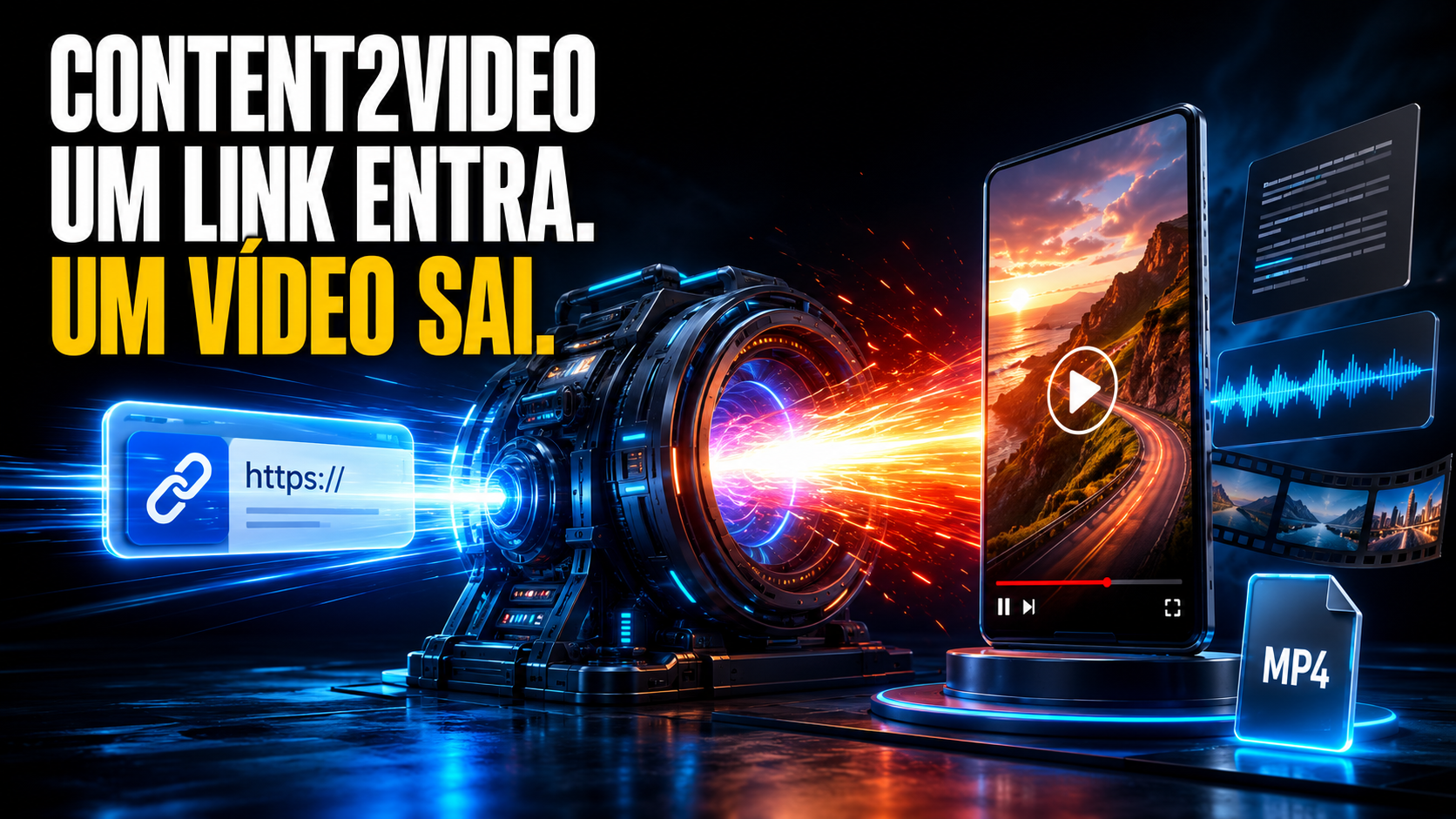
Turn an article or website into visual direction, script, voice, editable scenes and MP4 — with human approval before heavy production.
The problem
Between pasting a URL and receiving a file there are decisions about cropping, voice, format, visual identity, readability, media and rhythm. Content2Video brings these decisions together on a single workspace, keeps files local, and lets a human approve the direction before spending time on the full production.
From source to video
The system does not treat video as an instant response. It organizes a production line that can be monitored, paused, reviewed, and resumed.
Reads the page, identifies the editorial slice, and records language, voice, audience, format, and intent before generating audio.
The automatic mode decides palette, typography, composition, media, and motion; presets allow starting from a pre‑defined visual brief.
You see the representative frame, open it full‑size, edit the preset or request a new proposal. Nothing heavy moves forward without approval.
With the direction approved, the system produces an editable composition, keeps the voice consistent, and validates headlines in the safe zone.
Open the visual editor, modify via prompt, create versions, and only then approve the MP4 render with or without a CTA.
The operational differentiator
The visual gate separates planning from execution. This makes direction visible while it’s still cheap to change—before generating the full narration, sourcing all media, and assembling all scenes.
Approve visual and produce · Edit preset · Update pilot scene
One workspace, not a black box
The chosen preset becomes part of the brief, the metadata, and the actual production prompt. It’s not just a UI filter.
For Brazilian Portuguese, the operation keeps the same voice across all scenes, regenerations, and project versions.
The video remains open to visual editing, prompt‑driven changes, duplication, and adaptation across formats.
Clips, audio, snapshots, brief, metadata, and renders stay in the local directory of each production.
Headlines are measured after fonts load and audited at the start, peak, and end of the animation.
The film library lists produced videos and provides direct access to the editor, instruction‑based editing, and renders.
Visual directions
For frequent producers
Turn articles, launches, and pages into revisable audiovisual pieces.
Convert dense material into explanations with consistent voice, pacing, and visuals.
Create vertical and horizontal versions from the same organized source.
Adopt a local workflow that documents decisions and preserves human approval.
Next step
Explore the open project, view the full guide, or talk to INEMA about your workflow, formats, and the infrastructure needed to run it.
No magic promise: quality still depends on the source, direction, and review. The gain is making this process explicit, repeatable, and operable.