Module 1
Understanding INEMACCBOT
What the system is and why it is not just a Telegram bot. Presentation of the six components and the central rule that guides the entire course.
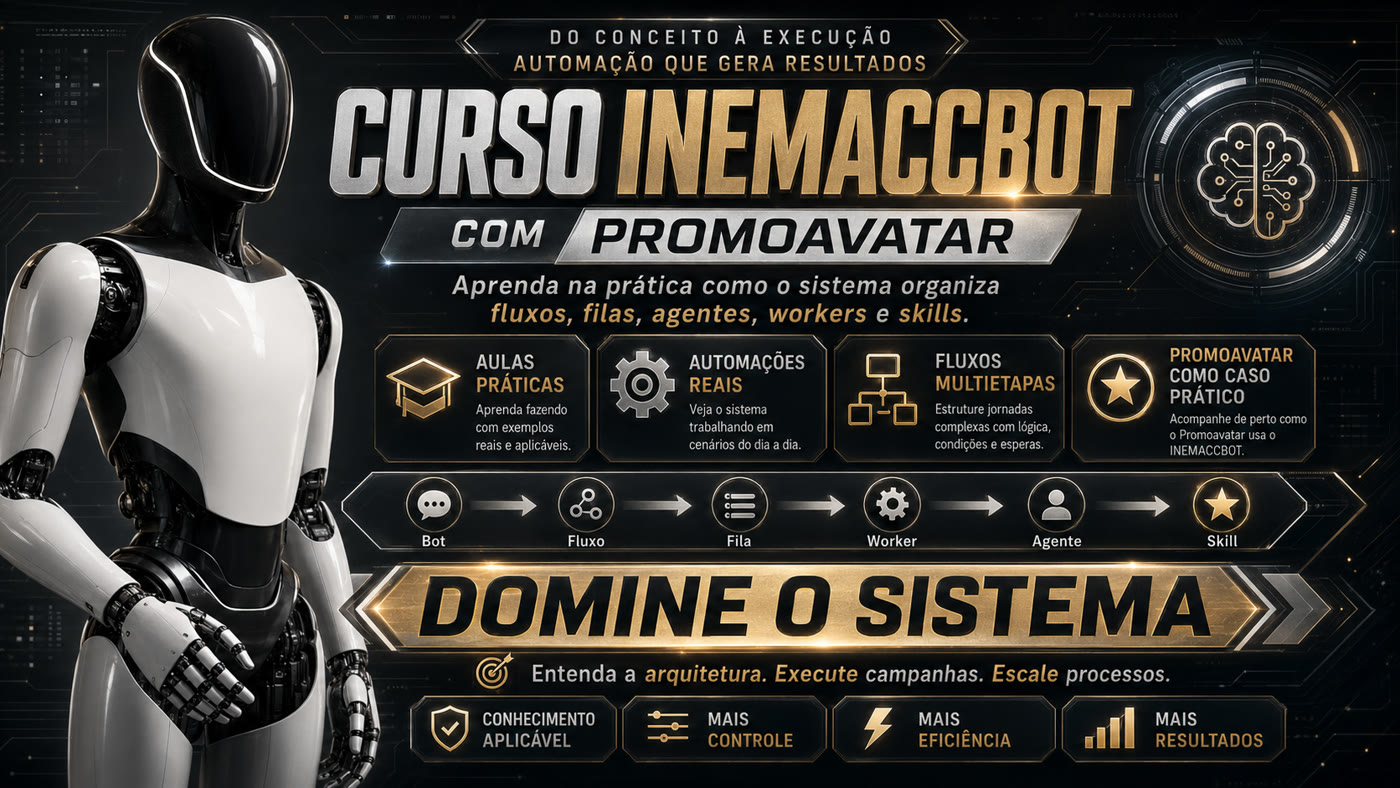
Learn the system’s mental model and then follow a real campaign being produced end‑to‑end — from topic to reel delivery.
INEMACCBOT is not just a Telegram bot: it is the gateway and orchestrator that receives commands, creates jobs, controls queues and maintains flow state. Everything the course teaches is built on six components and each one’s role.
The central rule: skill executes · flow coordinates · queue organizes · worker processes · agent operates the AI · bot connects the user to the system.
Connects the user to the system: receives the command on Telegram and returns the result.
Monitors the process state and decides which job should be created next. It does not execute: it coordinates.
Keeps the jobs waiting for execution, by class, and maintains order under load.
Pulls the job from the queue and actually executes it, reporting success or failure back to the flow.
Runs the model: interprets the request, chooses the path and produces the requested content.
The concrete capacity at the edge — transcription, dubbing, image, explanatory video, reel.
Bot → Queue → Worker → Agent → Skill → Result
A task that starts and ends in a single pass does not need memory: it enters the queue, is processed and returns the result.
Bot → Flow → (Queue → Worker → Agent → Skill)ⁿ → Result
When the process needs to remember where it stopped — pause, wait for human approval, resume — it requires a flow with a state machine.
What the system is and why it is not just a Telegram bot. Presentation of the six components and the central rule that guides the entire course.
The two possible paths. A simple task goes straight through Bot → Fila → Worker → Agente → Skill; a process that needs to remember where it stopped must use a flow. Examples of already documented skills: transcription, dubbing, image, explanatory video and reel.
Here comes the practical case. The student executes /promoavatar <assunto>: the system creates specific texts for each audience, pauses processing, waits for the avatar step in HeyGen, receives approval and then continues reel production.
The didactic flow of the complete campaign, step by step. The important point is to see that the flow does not execute everything alone: it monitors the state and decides which job to create next, while the queues organize the jobs waiting for execution.
How a single campaign produces different content for several audiences. In Promoavatar, each audience receives its own script, and the destination channel can be set by the flow.json.
A central concept: automation does not mean eliminating the human. In Promoavatar there is a deliberate pause to review texts, produce and record avatars and approve the batch before the following phases.
Why a complex process needs operational memory. The flow knows what finished, what is executing, what failed and where it must continue after an interruption.
Practical part with everyday commands: /skills, /fluxos, /fila, /status, /jobs, /cancelar, /refazer, /furar, /pronto and /limpar.
After understanding Promoavatar, it becomes clear that the same mechanism serves PromoCurso, PromoEvento, PromoProduto, course production and other campaigns — all sharing the same queue classes.
The student creates a complete campaign, from theme to distribution. Upon completion, they will not only have learned commands: they will have understood how to design automations on INEMACCBOT.
This is the path Promoavatar follows — and you will follow it inside, seeing the state change at each step:
In amber, the steps where the human enters the flow — the pause is designed, not a defect.
| Command | Purpose |
|---|---|
/skills | List available capabilities |
/fluxos | View flows and their states |
/fila | Inspect what waits for execution |
/status | Overall system status |
/jobs | Ongoing and completed jobs |
| Command | Purpose |
|---|---|
/cancelar | Interrupt a job or campaign |
/refazer | Reprocess a failed step |
/furar | Prioritize a job in the queue |
/pronto | Approve the batch and release the resume |
/limpar | Clear queues and residual state |
Skill executes, flow coordinates, queue organizes, worker processes, agent operates the AI and bot connects the user. Once understood, you are no longer using the system: you are designing on top of it.
Join the INEMA Community to learn about the opening — or talk directly to @apoioinema on Telegram.