← INEMA Events
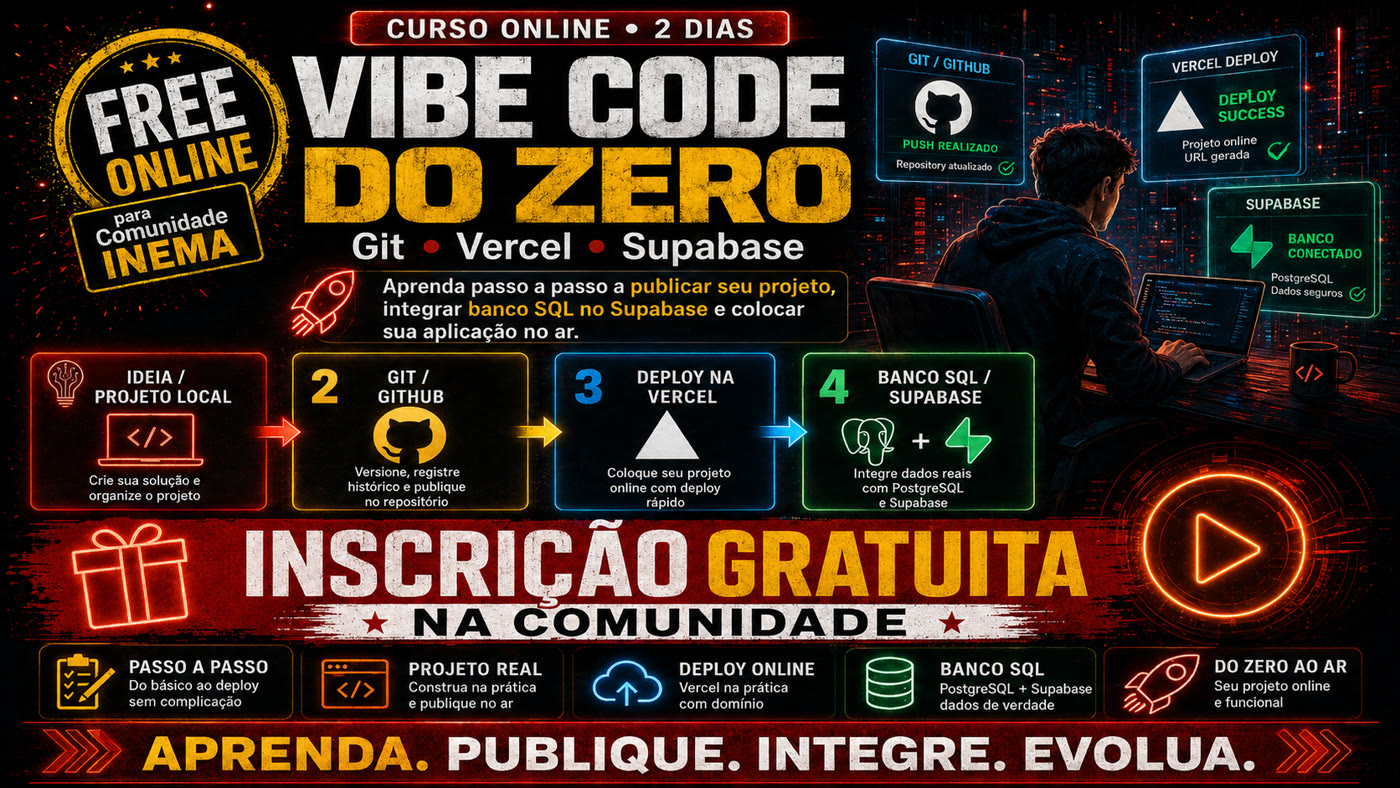
Free registration
Online course · 2 days
For beginners
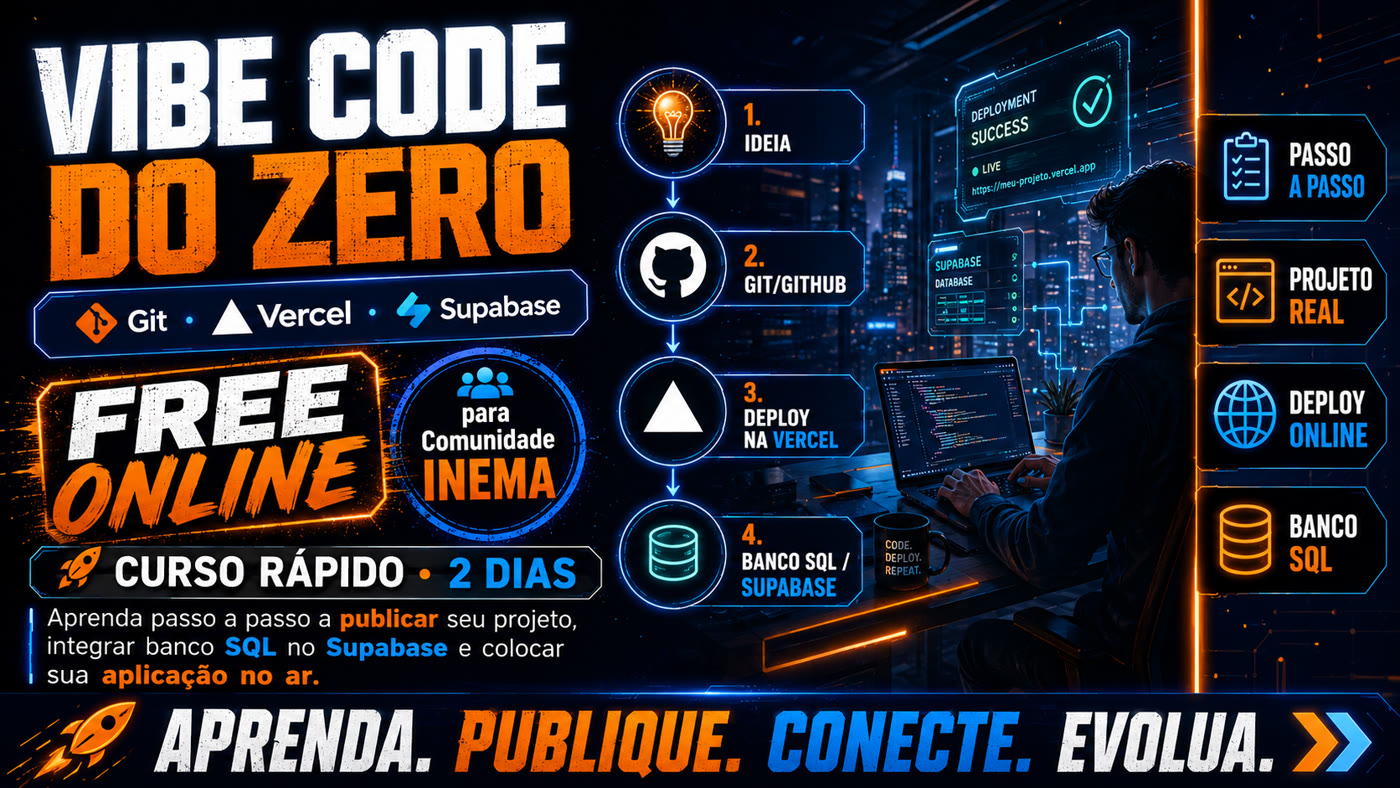
Vibe Code from Scratch: Git, Vercel and Supabase in 2 days
Create, publish and connect your first application to a SQL database — step by step, without needing to master programming.
The full path
In two practical sessions you go through the entire flow: idea → local project → Git → GitHub → Vercel → Supabase → SQL database → working online application.
Step 1
Idea and local project
Describe the idea, let AI help generate the project and organize the files on your machine.
Step 2
Git and GitHub
Version your work, record the history and push the repository to the cloud.
Step 3
Deploy on Vercel
Publish with a real address and see automatic deployment with each new commit.
Step 4
SQL database on Supabase
Create tables in PostgreSQL, connect the application and work with real data.
What you take away at the end
- A functional application published on the internet
- A personal repository on GitHub
- Automatic deployment configured on Vercel
- A PostgreSQL database on Supabase
- Registration, listing, editing and deletion working
- Clarity on the path between code, publication and data
The 10 main topics
Day 1
Git, GitHub and Vercel
From ready environment to first published project.
- Introduction to Vibe Coding
- Overview of the tools
- Environment preparation
- Project creation
- Git for beginners
- Essential Git commands
- GitHub integration
- Publishing on Vercel
- Automatic deployment
- Review and first day delivery
Day 2
SQL and Supabase
From created database to connected and live application.
- Database introduction
- Supabase project creation
- SQL fundamentals
- First table creation
- CRUD operations
- Security and Row Level Security
- Application integration with Supabase
- Environment variables on Vercel
- Testing and bug fixing
- Publishing and final presentation
The practical project
A simple registration system
Contacts or tasks: register name, email and note; list; edit; delete; show success or error confirmation; and publish everything at a Vercel address.
The same project later adapts to customer registration, task list, agenda, lead control, event registrations, product catalog or service requests.
Suggested schedule
Day 1 — 2h30 to 3h
| Time | Activity |
|---|
| 20 min | Vibe Coding concepts and architecture |
| 30 min | Project preparation |
| 40 min | Git and GitHub |
| 40 min | Deploy on Vercel |
| 30 min | Exercise and bug fixing |
| 20 min | Review and challenge |
Day 2 — 2h30 to 3h
| Time | Activity |
|---|
| 20 min | Database and Supabase concepts |
| 40 min | Basic SQL |
| 30 min | Table and security |
| 50 min | Application integration |
| 30 min | Variables on Vercel and deployment |
| 30 min | Final test and presentation |
How the class works
20% explanation, 70% guided practice and 10% individual challenge. At each step you deliver something visible: open project, created commit, GitHub repository, published site, created table, first record inserted, connected application and final system running.
To avoid overloading beginners, the following topics are left for a later course: Docker, advanced architecture, multiple branches, complex pipelines, ORM, migrations, Edge Functions, webhooks, social authentication, payments and automated testing.
You don’t need to master programming to put your first application online. But you need to understand the flow: create, version, publish, connect and test.
Free registration for the INEMA Community
Join the community to secure your spot — or talk directly to @apoioinema on Telegram.