OSWork v2 — technical path
Eight modules, four tracks and 48 topics. From chat to the terminal and Codex, files, Skills, Git, a Telegram bot and supervised VPS operation. Includes a practice kit.
From chat to your agent workspace. Learn to organize files, instructions, memory and tools into a work system you can verify.
Editions: technical v2, the full step-by-step v6.2, v6 and v5 for beginners, and Quick. Courses and videos in Portuguese, Spanish and English.
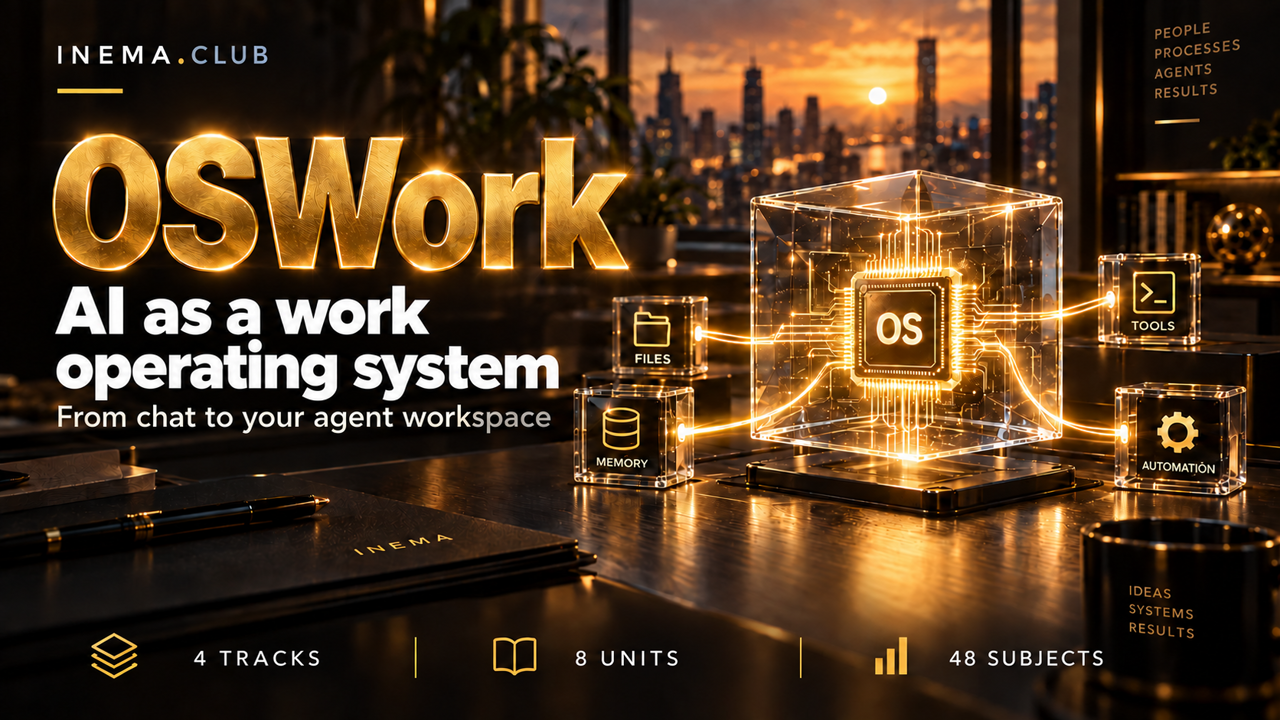
The banner presents the technical v2 path. Explore the v5 and Quick editions below as well.
Five paths to organize your work with AI. Choose by your experience and the time you have.
Eight modules, four tracks and 48 topics. From chat to the terminal and Codex, files, Skills, Git, a Telegram bot and supervised VPS operation. Includes a practice kit.
The complete v2 path rebuilt for beginners: eight modules and 48 lessons of about 15 minutes. From chat to the terminal and Codex, folders, Skills, Git, a Telegram bot and a VPS, with visual step-by-steps and a glossary of technical terms.
For people just starting out: seven lessons of about 15 minutes with simulated chat screens, real before-and-after examples and visual step-by-steps. Build folders per topic, a sheet with your rules, a request template and a checking routine, with nothing to set up.
For professionals aged 40+ with little AI experience. Seven lessons of 20–25 minutes to organize folders, instructions, reusable requests and a review routine, without programming.
A short, visual edition for professionals aged 40+: seven lessons and about 77 minutes of study. The same subjects as v5, with less text and visual explanations. Also available on video.
All seven lessons in one complete video per language, with Nei’s avatar and voice, illustrations and downloadable SRT subtitles. Choose a language to watch.
OSWork turns isolated requests into organized work: define the objective, choose the context, complete a small task and check the result. Start with chat and progress to a restricted bot and supervised operation on a VPS.
Expand each module to see its six topics. Links open the full course in the language of this page.
Compare models with a real task and a quality criterion.
Write a work order with inputs, output, and review.
Open a training project in Codex and produce a verifiable change.
Build the digital house and separate knowledge from credentials.
Create project instructions and a reusable capability with a review criterion.
Save a version, inspect differences and recover a training change.
Run a restricted query bot and understand where AI comes in.
Prepare a deployment plan, monitoring, backup and service verification.
Mark topics as read, record questions, highlight passages and take notes. Adjust your reading preferences and export your journey. Progress stays in your browser and is separate for each language.
The kit includes templates for AGENTS.md, memory, decisions, failure records, task contracts, a report Skill and a VPS plan. It includes a Python bot with an offline self-test.
The training bot is deterministic: it does not call an AI model or execute messages as commands. AI integration is explained as a later step.
You can start with the fundamentals without programming. Technical labs introduce the terminal, Git and Python step by step.
You can read the content without an account. Subscriptions, API usage and VPS hosting are separate services chosen by the learner for the labs.
The course teaches limits, verification, logs and recovery. Running 24/7 requires configuration and monitoring; availability is not guaranteed.
Yes. Lessons, explanations, interface and kit are translated. Commands, file names and variables remain consistent across the three editions.