Audit before changing anything
Read-only inventory of both runtimes with doctor.sh and audit.sh: each skill comes out as reusable, adapter, native, or unresolved.
Claude → Codex Program · 1 course in 3 tracks + the kit
Only CLAUDE.md and AGENTS.md are tied to the provider. Rules, decisions, tasks, skills, and handoffs are portable Markdown. In 3 tracks you take that material out of the runtime, put it in the project, and prove, in a fresh session, that Claude Code and Codex pick up where the other left off.
Prerequisite: already using Claude Code or Codex. Course and kit are open, in Portuguese, English, and Spanish.
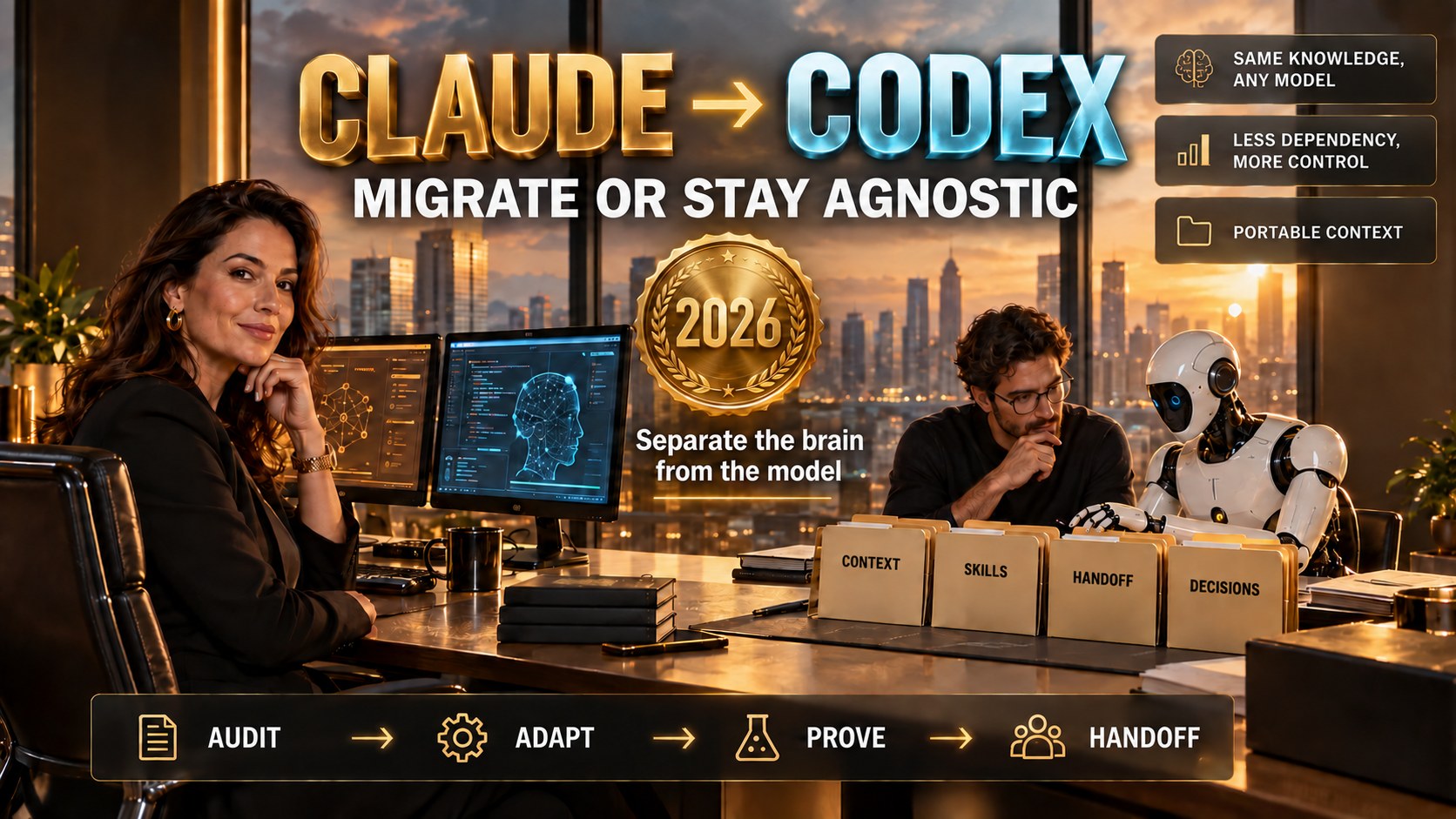
The problem
Anyone who has used a coding assistant for a few months has accumulated instructions, memory, skills, hooks, and thousands of sessions in a format that only that runtime can read. The bill comes due on the day you switch.
After the training
Read-only inventory of both runtimes with doctor.sh and audit.sh: each skill comes out as reusable, adapter, native, or unresolved.
Split CLAUDE.md: portable rules go into AGENTS.md, and whatever depends on a plugin or hook stays in the runtime-specific file.
AGENTS.md, context/, tasks/current.md and handoffs/latest.md in the project, without overwriting anything that already exists.
Canonical skills with polyskill: one source, per-runtime generated copies, and a drift command that shows what diverged.
Readback in a fresh session on both runtimes, with the five continuity questions, and the daily handoff and prime cycle.
Local model in a container, MCP and hooks between Claude and Codex, and a client workspace with explicit scope.
1 course · 3 tracks · 18 modules + the kit
Track 1 defines each term the first time it appears. Track 2 runs the kit command by command. Track 3 applies everything in six projects on a real system. The kit closes the path: you run it on your own project, in audit mode.
Fundamentals
Why separate the brain from the model, the vocabulary (runtime, harness, skill, MCP, hook, handoff), the three levels of migration, and the anatomy of a portable workspace.
Hands-on
doctor.sh and audit.sh, CLAUDE.md → AGENTS.md, the core installed without overwriting, skills with polyskill, and the readback proven on both runtimes.
Projects
Migrate your first real project, MCP and hooks between Claude and Codex, memory curated with your approval, a local model in a container, and a client workspace.
Kit
Scripts for diagnosis, adaptation, proof and drift, the portable core template, and mega-prompts A and B, all starting in MODE: audit.
Who it's for
Included in the training
The agente-claude-codex kit is bash and Markdown, open on GitHub. Nothing in ~/.claude or ~/.codex is copied in bulk or deleted, and installing a skill makes a backup alongside.
Why this training
Every script and every mega-prompt starts by analyzing, planning, and simulating. You read the plan before changing a single file.
A file existing proves nothing. The readback opens a fresh session in each runtime and checks whether the agent read and used it.
The audit found 89 skills only in Claude: 71 reusable, 15 adapter, 2 native, and 1 without SKILL.md. The record is in the repository.
The English and Spanish versions are complete mirrors, with progress tracked separately per language.
Questions
The suggested order is track 1 → 2 → 3 and then the kit on your project. If you already know runtime, harness, and handoff, you can start with track 2.
Migrating means reaching level 1 or 2: importing into the app or running the kit. Staying agnostic is level 3, the only one that survives the next model switch. Track 1 helps you choose.
No. Being agnostic doesn't mean abandoning Claude: you keep choosing the executor per task, with the knowledge living in the project.
A terminal, git, and either Claude Code or Codex installed. The kit is bash and Markdown, with no interface. Module 3.4 adds a local model in a container.
There are 3 tracks with 6 modules each, 18 in total, and 108 topics. Track 3 has six projects with an objective, commands, acceptance criteria, and risks.
Start with track 1 and pick a project you know well. In one session in audit mode you will already know what is portable, what needs an adapter, and what depends on a hook.