
From Chat to Agent Immersion · Day 3 · Sunday, December 13

Customer service, other solutions, and harness. The right people at the right time, and a measured harness.

You’ll leave with a customer service agent that replies on its own and reaches out to people at the right time, plus an agent that’s safer, cheaper, and learns from its own mistakes.

2 sessions, 10 blocks, each with an exercise and a “done when” criterion.

Courses, projects, and videos: are all in the From Chat to Agent section →

01 · Morning

Customer service and other solutions

Starting point: the Atendimento com Agentes area and atende-leads, plus two kits chosen for people who already have a terminal, Jarvis, and a queue. The day starts by checking what the queue did overnight.

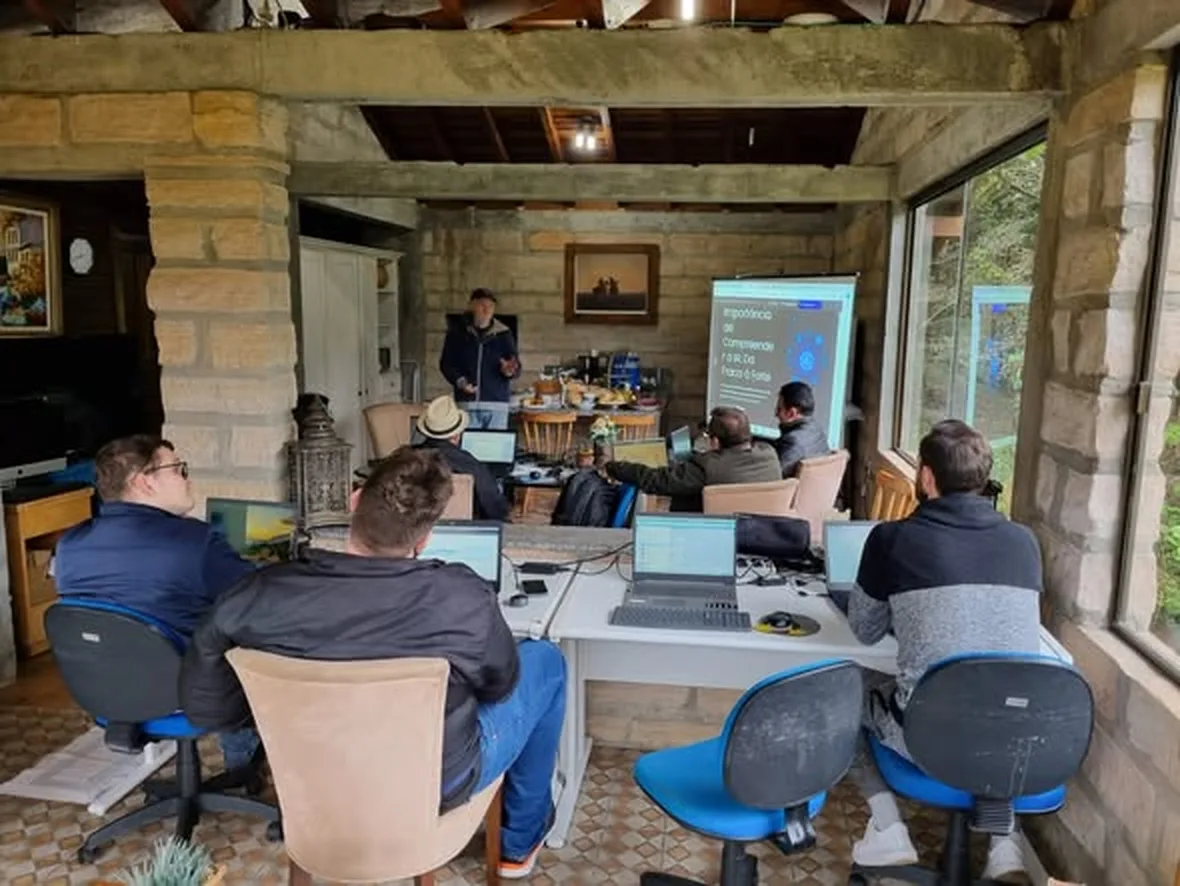
Participants following the explanation on the big screen at a previous immersion.

The morning blocks, in order

Block 1 · Morning

The next morning: check the evening batch

Why it matters: The morning is what turns an overnight queue into a process: the agent does the work, and you improve the rules.

  1. Read the report in the chat: /jobs and /completos show what finished; /status, what still needs something.
  2. Check each result against the “verifiable result” column and mark it: correct on the first try, correct with adjustments, incorrect, or failed.
  3. Handle failures based on the cause: a restart (code 143) resumes with /refazer; an input error gets corrected; a misunderstanding by the agent becomes a rule.
  4. Write a concrete, testable one-line rule in the AGENTS.md or in the skill prompt.

Exercise: Review your batch and write down the new rule.

You’re ready when: each task has a line in the conferencia.md, you noted how many were correct on the first try, and the rule is written down for the next round.
Queues, lesson 7 · The next day →
Block 2 · Morning

Where a human steps into customer service

Why it matters: A WhatsApp bot without a method makes up prices when it doesn’t know them and sends campaigns without consent. The strategic decision is to define what the bot handles and what people handle before installing anything.

  1. Choose just one process: confirm appointments, answer FAQs, qualify leads, or take reservations.
  2. Define a metric and assign an owner before building.
  3. The 3 moments when a human steps in: the customer asks, the agent realizes one is needed, or the agent sees a sales opportunity.
  4. What the bot never does: make up prices or timelines, diagnose, prescribe, or send campaigns without consent.

Exercise: Write a one-page sheet for your customer service.

You’re ready when: the sheet includes the process, the metric with its number and owner, the 3 triggers for a human to step in, and 3 things the bot never does.

Customer Service with Agents area →
Block 3 · Morning

atende-leads on your laptop, with your business data

Why it matters: The agent only quotes prices that are in the system. What controls what the bot says is the data you enter, not the model. And the website you already have becomes the first version of that data.

  1. git clone from atende-leads and ./atende serve --porta 8080 --dados dados: lead chat, /equipe and /gestor, without WhatsApp or Telegram.
  2. Add your team, products with prices, hours, and FAQs.
  3. Import your website (or a PDF): proposed entries include their source and excerpt, and are added only after you review them.
  4. Ask questions in the Test box and in Ask the database, then request an agent through the chat to see the request arrive in the /gestor live.
  5. WhatsApp and a Telegram team chat as a demo, always with a new bot—never reusing Jarvis’s.

Exercise: Test 5 real questions: a listed price, business hours, an FAQ, a product you haven’t added, and a complaint.

You’re ready when: the price matches the one in the system, unanswered questions don’t get made-up answers, and the request for an agent appears in the /gestor live.

Lead handler guide →
Block 4 · Morning

Agente Blindado: safeguards that hold even if the model fails

Why it matters: If your Jarvis reads emails, web pages, or messages from outside, it’s exposed. A prompt isn’t a lock: safeguards outside the prompt hold even when the model is tricked.

  1. Before making changes, record your harness score from 0 to 10: python3 caixa-do-agente/auditar.py <pasta> (read-only).
  2. git clone from agente-blindado and ./instalar.sh <pasta-do-projeto> escritor. An agent that runs on its own uses --negar.
  3. Wrap external material with the envelope.py before giving it to the agent.
  4. Check the worst case without AI (teste/pior_caso.py) and run the tests.

Exercise: Install it in your project and ask the agent to delete a draft with rm.

You’re ready when: the tests pass, Claude Code asks you to confirm with the message from safeguard 4, and the safeguard log includes a line explaining why.

Hardened Agent guide →
Block 5 · Morning

Choose a station: a website that sells or signal-based prospecting

Why it matters: Customer service starts before the conversation: with a website that brings customers in, or by reaching out to a company that just showed a sign it needs your help.

  1. Station A, site-que-vende: measure your site against the 5 patterns, paste the consertar.md into the agent, and measure again (no more than 3 rounds).
  2. Station B, signal-based prospecting: the kit in Claude Code, sinais.yaml for your ideal customer, and first, a list of 10 companies. The agent never spends credits without asking and never sends anything.
  3. Station B requires a Clay account and your business context filled in before the event.

Exercise: Complete one of the two stations for your business.

You’re ready when: A: the second measurement passes more patterns than the first. B: you have a list of 10 companies, and the agent asked for permission before spending credits.

Sales-site and signal-based prospecting guides →

02 · Afternoon

Harness optimizations and your 30-day plan

The harness is everything around the agent: CLAUDE.md and AGENTS.md, skills, hooks, memory, effort, model, and long-running execution. The model is the same for everyone. The harness is what changes the result.

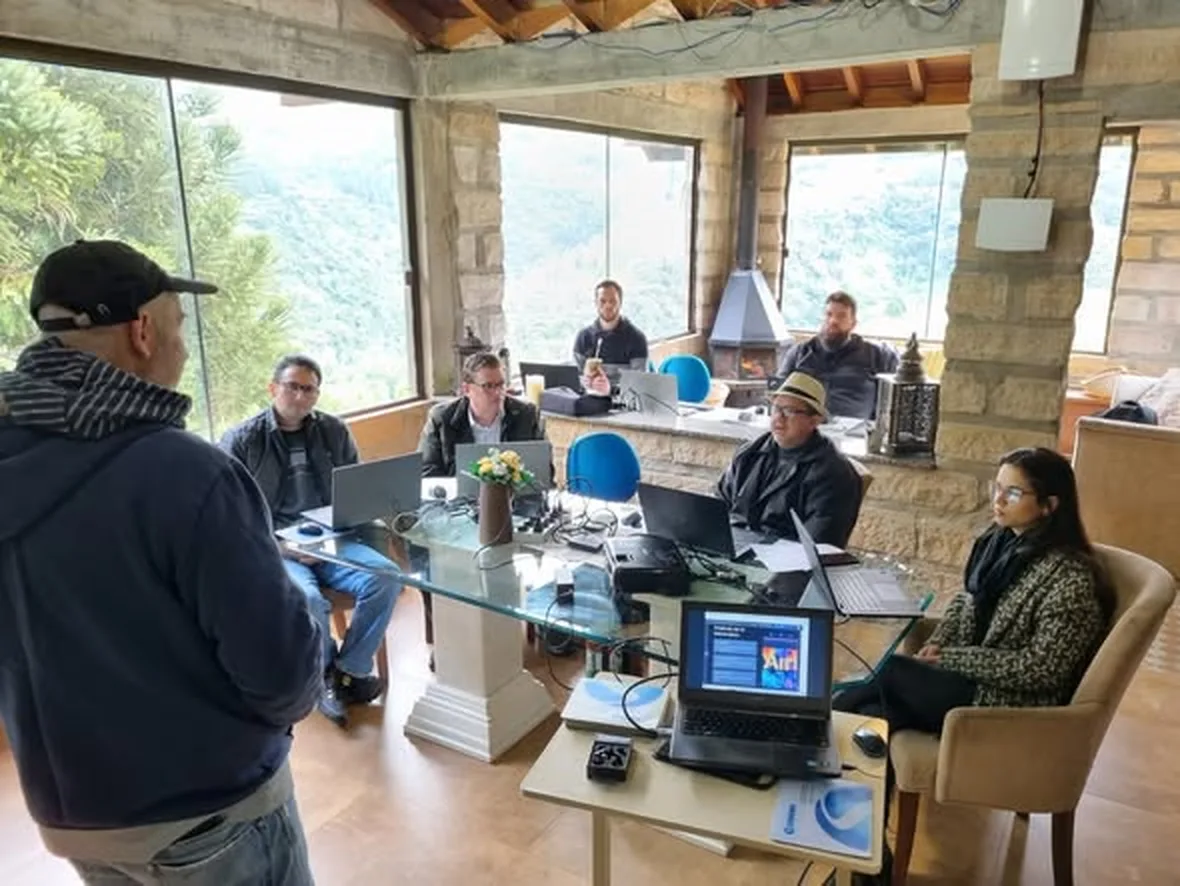
Nei Maldaner explaining something to the group at a previous immersion at Refúgio INEMA.

The afternoon blocks, in order

Block 6 · Afternoon

Harness X-ray, read-only

Why it matters: Measure first, then make changes. Fable 5.2 follows instructions literally: an old line like "always use subagents" can have a different effect and multiply the cost.

  1. Score it from 0 to 10 again across the 6 layers: workspace, approval, safeguards outside the prompt, verification, context and memory, and secrets kept out of reach.
  2. The invisible inheritance: varrer.py from audite-seu-claude finds lines written for older models.
  3. Mark what you approve in the report, generate the correcoes.md and ask the agent to apply only those changes.

Exercise: Apply at least 3 fixes and scan again.

You’re ready when: you have the scores from before and after, the correcoes.md generated, and the second scan shows fewer alerts.

Audit-your-Claude and agent toolbox guides →
Block 7 · Afternoon

The right effort level and model

Why it matters: Maximum effort isn’t the default: with a subscription, high effort without a reason wastes your limits. Anthropic itself recommends starting with Opus and moving up to Fable only for the hardest work.

  1. python3 auditar.py ~/meu-projeto --home from esforco-certo: who runs on which model and effort level, with alerts MAX, PADRAO_ALTO and FABLE_PADRAO.
  2. Choose a default and adjust it model and effortLevel.
  3. Paste the effort policy into the CLAUDE.md and the 3 agents: day-to-day, long-running, and mechanical work.
  4. Instructor demo: the same task with 3 combinations, including time, tokens, and the model that actually ran.

Exercise: Fix what went wrong MAX or PADRAO_ALTO without a reason and paste the policy.

You’re ready when: the second audit does not show MAX without justification and the CLAUDE.md has the policy in a commit.

Right effort guide →
Block 8 · Afternoon

A lesson that becomes a safeguard, and the skill that remembers

Why it matters: The agent makes a mistake, you correct it in chat, and in the next session it makes the same mistake again. A rule in text can be skipped; a hook is always followed. Once corrected, each mistake stays fixed.

  1. Record failures in one line: date, what broke, smallest fix, prompt or infrastructure.
  2. The ladder: architecture > hook > test > text. The retro.py reads one of your sessions from day 2 and shows where you corrected the agent.
  3. A lesson becomes a line of JSON (pattern → message), attached as a hook in Claude Code.
  4. Audit the 5 skills you use most with the Skills area validator, never all at once.

Exercise: Take a real mistake you corrected on day 1 or day 2 and turn it into a hook.

You’re ready when: the wrong command is blocked with your message, the right one goes through, and the harness’s “after” note is next to the “before” note.

Agent that learns guide →
Block 9 · Afternoon

Long-running tasks without losing direction

Why it matters: An agent working for hours only works with a proof of completion it cannot fake, and with the state kept in files, not in the conversation.

  1. novo-longrun.sh creates the execution folder: goal, plan, state, progress, failures, decisions, and channel.
  2. The goal.md with comando → saída esperada covering functionality, regression, and limits. Level 3: it cannot be completed with a shortcut.
  3. Start with /goal. When the session fills up, /session-handoff, start a new session, and /prime.

Exercise: Write the goal.md from a real task in your queue.

You’re ready when: the goal.md has at least 3 criteria (functionality, regression, and limits), and each command runs in your terminal.

Long run guide →
Block 10 · Afternoon

Wrap-up: your 30-day plan

Why it matters: The immersion ends, but the harness keeps improving if you have a measured plan. The same method that lets the agent work for hours without losing its way helps you stay on track for 30 days.

  1. An execution folder for the plan, with 3 to 5 deliverables drawn from what you did over the 3 days.
  2. Each deliverable has a criterion comando → saída esperada and a marked human checkpoint (pay, send, publish, connect real WhatsApp).
  3. Final round: each person reads their first deliverable and its criterion aloud.

Exercise: Write your measured plan.

You’re ready when: the goal.md of the plan must have 3 to 5 deliverables, each with a command, expected output, and human checkpoint, in a commit in your repository.

Long Run Execution area →

03 · What the agent won’t do without you

The day’s human checkpoints.

  • WhatsApp: a number used only for customer service, never for mass messaging people who haven’t contacted you.
  • LGPD: PARAR and apagar meus dados work, and the team group never receives a lead’s phone number or message.
  • Proposals for the database are only added after the manager’s review.
  • Safeguard 4 asks for your confirmation before deleting, sending, paying, or accessing a secret. No safeguard can detect a lie in the text: read it before acting.
  • The harness auditors only read. Only what you marked is applied.

Get started now

Day 3 of 3, in person, with the group.

You’ll work through each block above on your own laptop, with close support whenever you get stuck.

In-person immersion · about 10 spots

Save your spot

R$ 2,847 per person. December 11–13, at Refúgio INEMA. Reserve by emailing inemavip@gmail.com, which can also provide information about accommodation and how to get there.

I want a spot · send an email →
Day 2 · Saturday, December 12

Queues and publishing

You send the work to a queue, step away, and build your niche’s channel, which checks every number and only publishes what you approve.

← View day 2
Full program

All 3 days, block by block

Terminal and Jarvis, queues and publishing, customer support, and harness.

See the program →

Questions before booking? Write to inemavip@gmail.com. The immersion page has the frequently asked questions.